
New




Attention: This is a virtual product and it will be sent to Your email as the download link. If You won't get an email with the link to Your inbox, please make sure to check the Spam folder too. Sometimes emails with the links are recognised as Spams. Thanks for choosing GradeLikePro.
Try Nailer OFX FREE for 14 days!
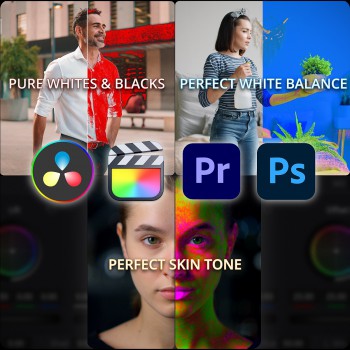
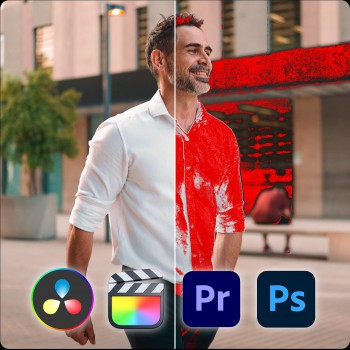
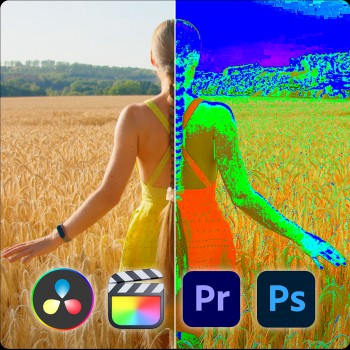
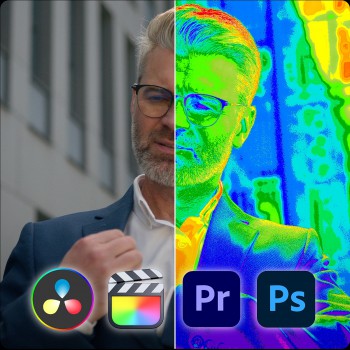
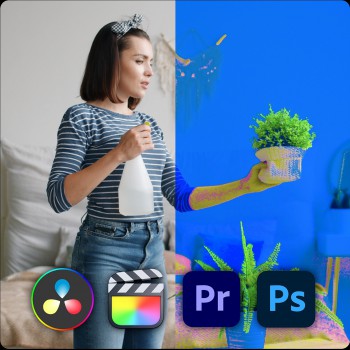
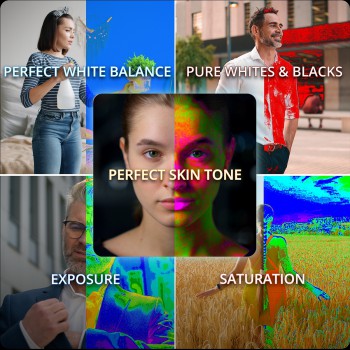
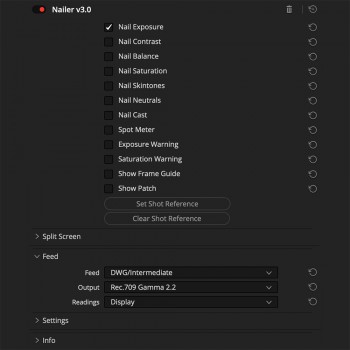
Discover a smarter way to analyze exposure, contrast, color balance, saturation, and skin tones directly inside DaVinci Resolve.
Explore Nailer OFX with a wide range of professional color analysis tools and experience how it can improve your color grading workflow.
What's included:
✓ 14-day free trial — starts with your first use
✓ Access to most Nailer OFX features
✓ Professional exposure, contrast, and color analysis
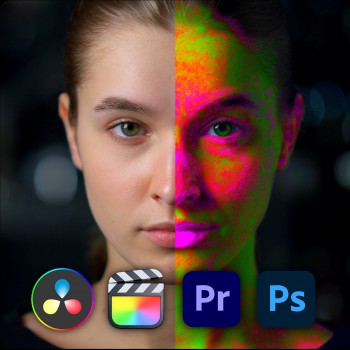
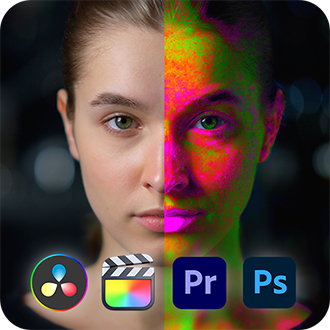
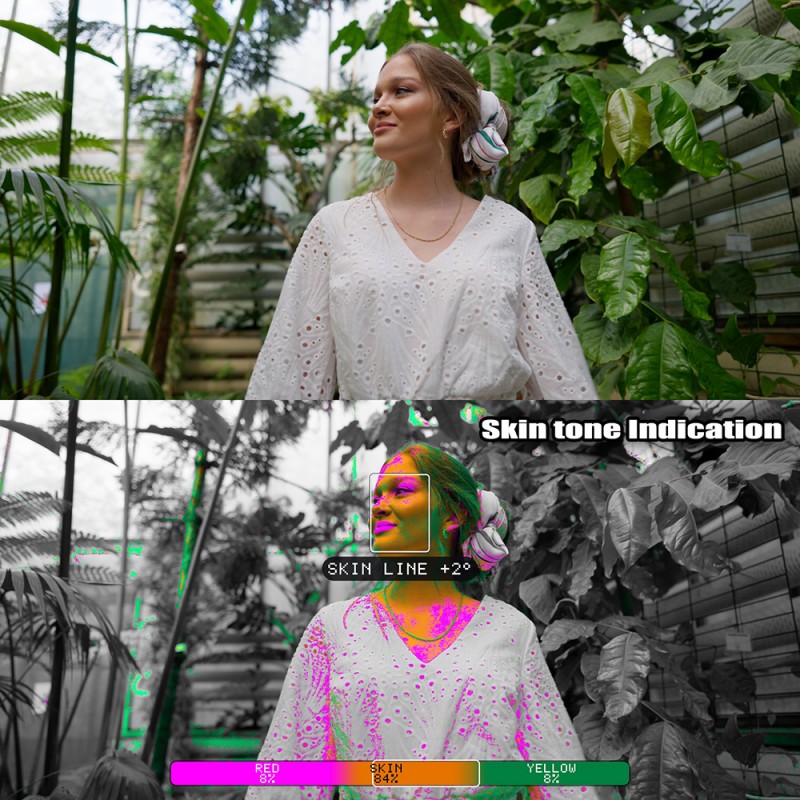
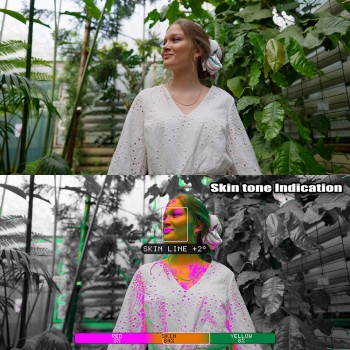
✓ Face detection and skin tone analysis
✓ Split Screen and Shot Reference tools
✓ No license key or payment required
✓ Instant download
How Does the Trial Work?
Simply download and install Nailer OFX. Your 14-day trial starts automatically when you first use the plugin.
During the trial, a DEMO watermark appears whenever Nailer displays its analysis overlays. Some advanced features are reserved for the full version.
After 14 days, Nailer displays TRIAL ENDED until a license is activated.
Unlock the Full Experience
Upgrade to the full version to remove the watermark, unlock all advanced tools, and continue using Nailer OFX without trial restrictions.
No need to reinstall — simply enter your license key!
SEE EVERYTHING IS DOES => Full User's Manual
Nailer V3.0 is a powerful image analysis plugin for DaVinci Resolve, designed to help you make more accurate, consistent, and confident color grading decisions.
Whether you're working on films, commercials, weddings, or YouTube videos, Nailer gives you a clearer understanding of what's happening in your image.
Our eyes aren't always reliable. After hours of grading, it's easy to lose perspective on exposure, contrast, color balance, and saturation. And what looks perfect on one monitor might look completely different on another.
That's where Nailer comes in.
Instead of relying on guesswork, Nailer provides real-time visual analysis and precise measurements, helping you identify problems, match shots, and maintain consistency throughout your project.
And unlike automatic color correction tools, Nailer doesn't make creative decisions for you. It gives you the information you need to make them yourself.
What's Inside Nailer 3.0?
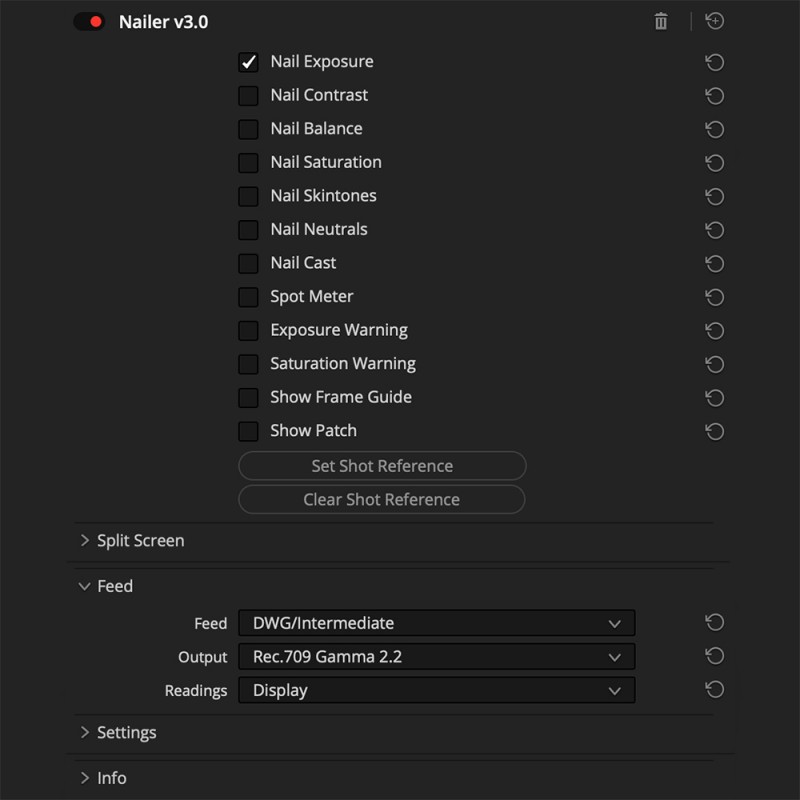
Compatible with multiple color spaces and workflows, including: Rec.709, DaVinci Wide Gamut, ACES, ARRI, HDR
One license, two computers
DaVinci Resolve 19 or later · macOS 13.3 + (Apple Silicon or Intel) · Windows 10+ (64-bit) · Linux (64-bit, Rocky Linux 8 or later)